Privacy Policy
Last updated November 13, 2026
Nimvelle is a skincare routine check-in you keep on your own phone or tablet. This policy explains what the app does with information. The same text is inside the app, under About.
Nimvelle is not a medical device. It does not diagnose, treat, or monitor a condition. Notes you write are memories, not a chart for a clinic.
Data not collected
Nimvelle has no account, no ads, and no analytics. The developer does not receive your routine, your products, your notes, your photos, or your reminder times. The routine itself does not use the network. A page you open can use the network, and that page may ask for the camera or the microphone. A link in About opens this policy, the terms, or the website only if you tap it. Support is the email support@nimvelle.com.
What stays on the device
These stay in the app’s private storage on the device:
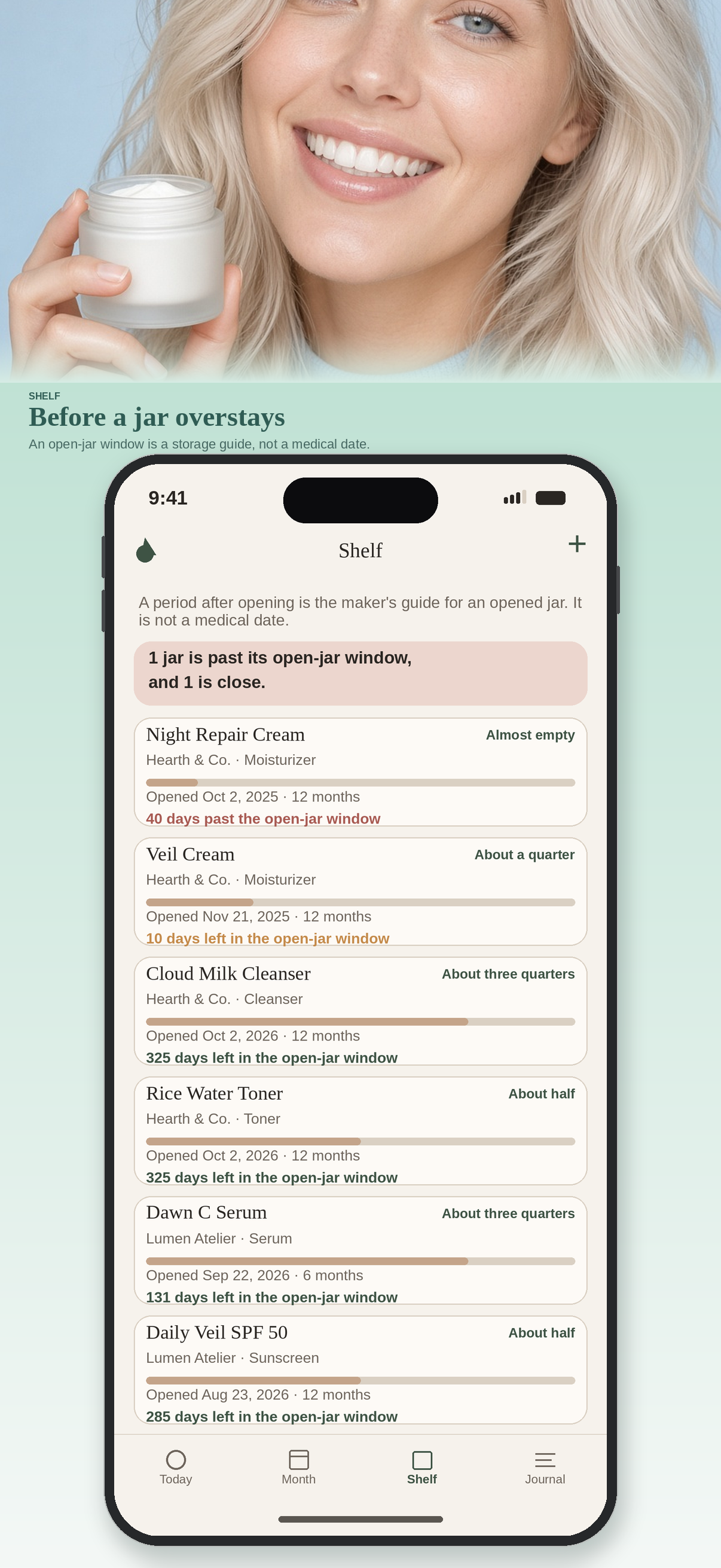
- Products on your shelf, including an open date, a period-after-opening, and how full the jar feels
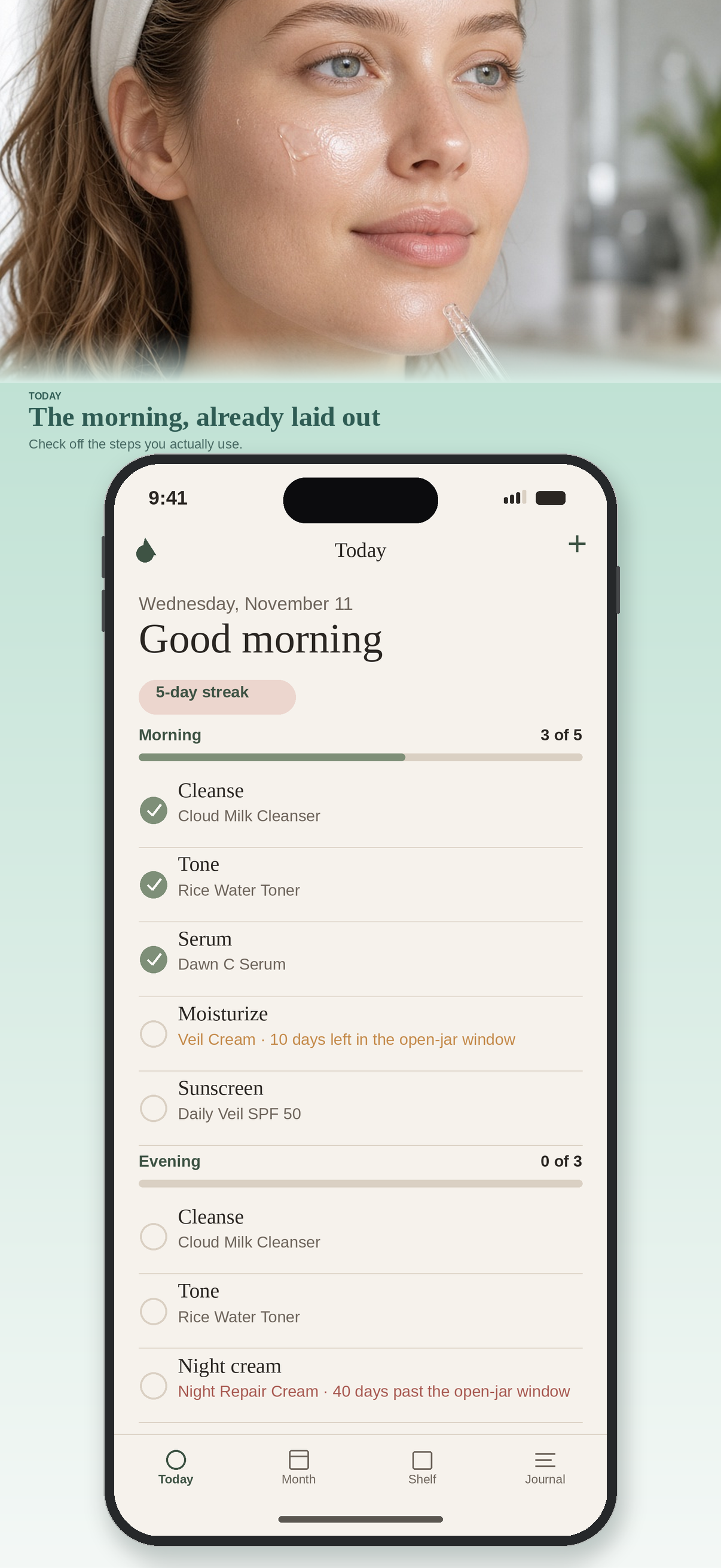
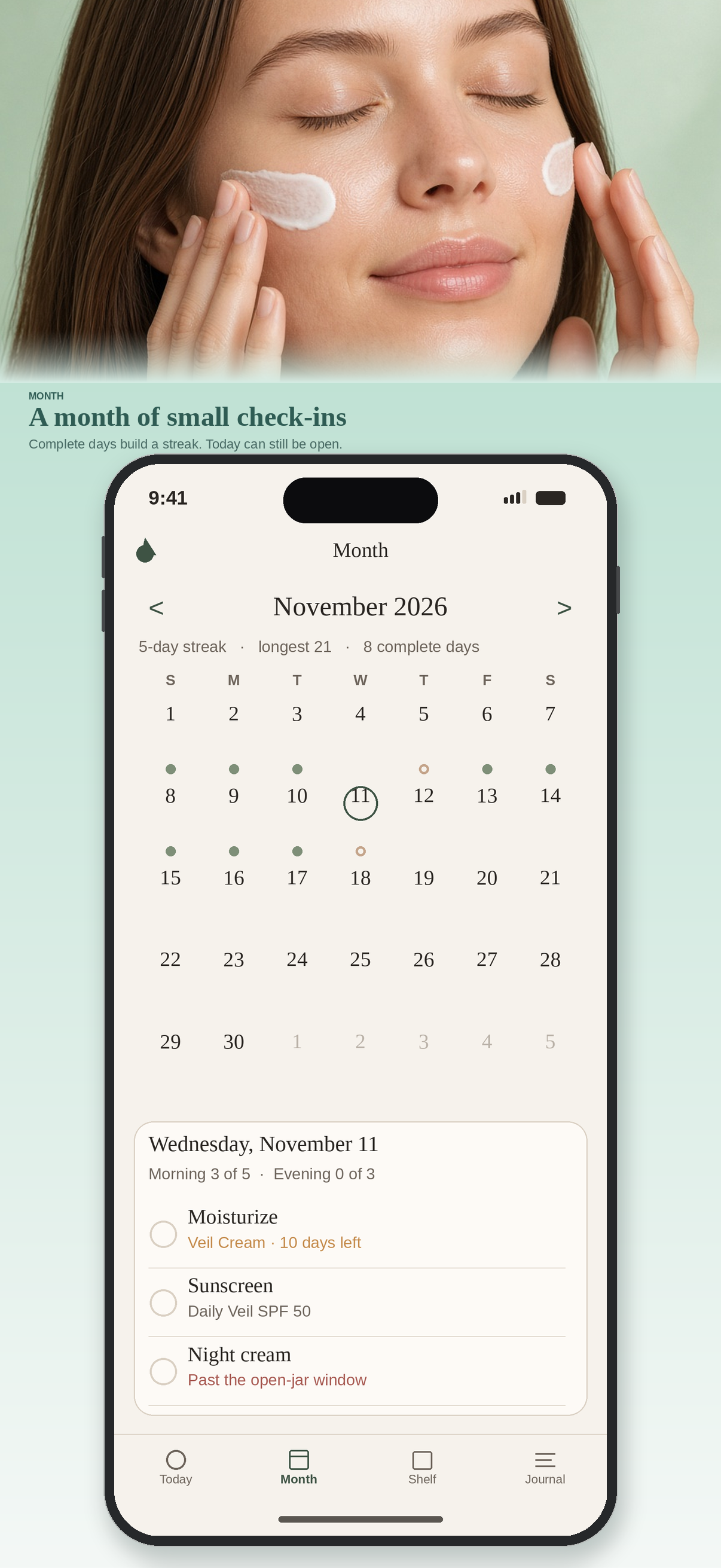
- Morning and evening steps, and the days you check them off
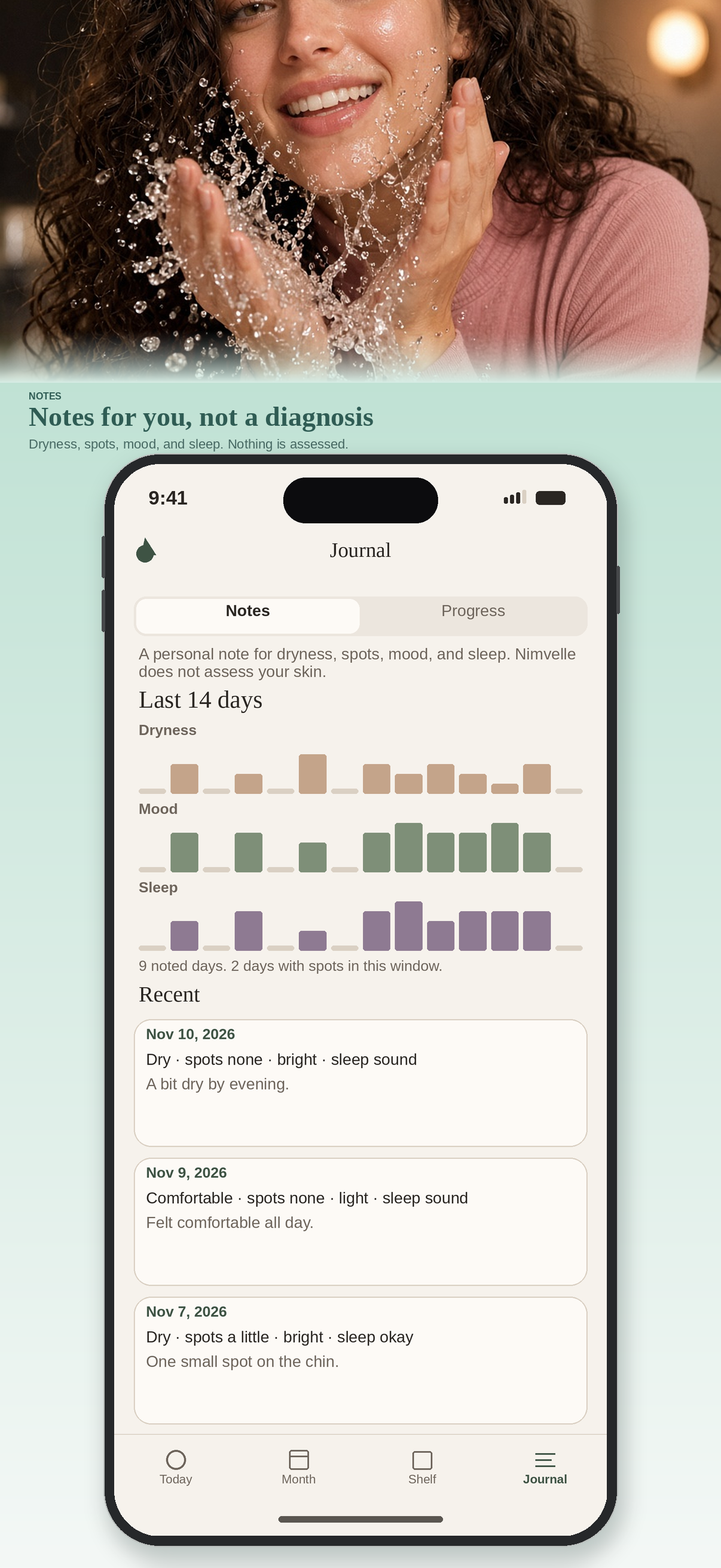
- Skin notes you choose to write
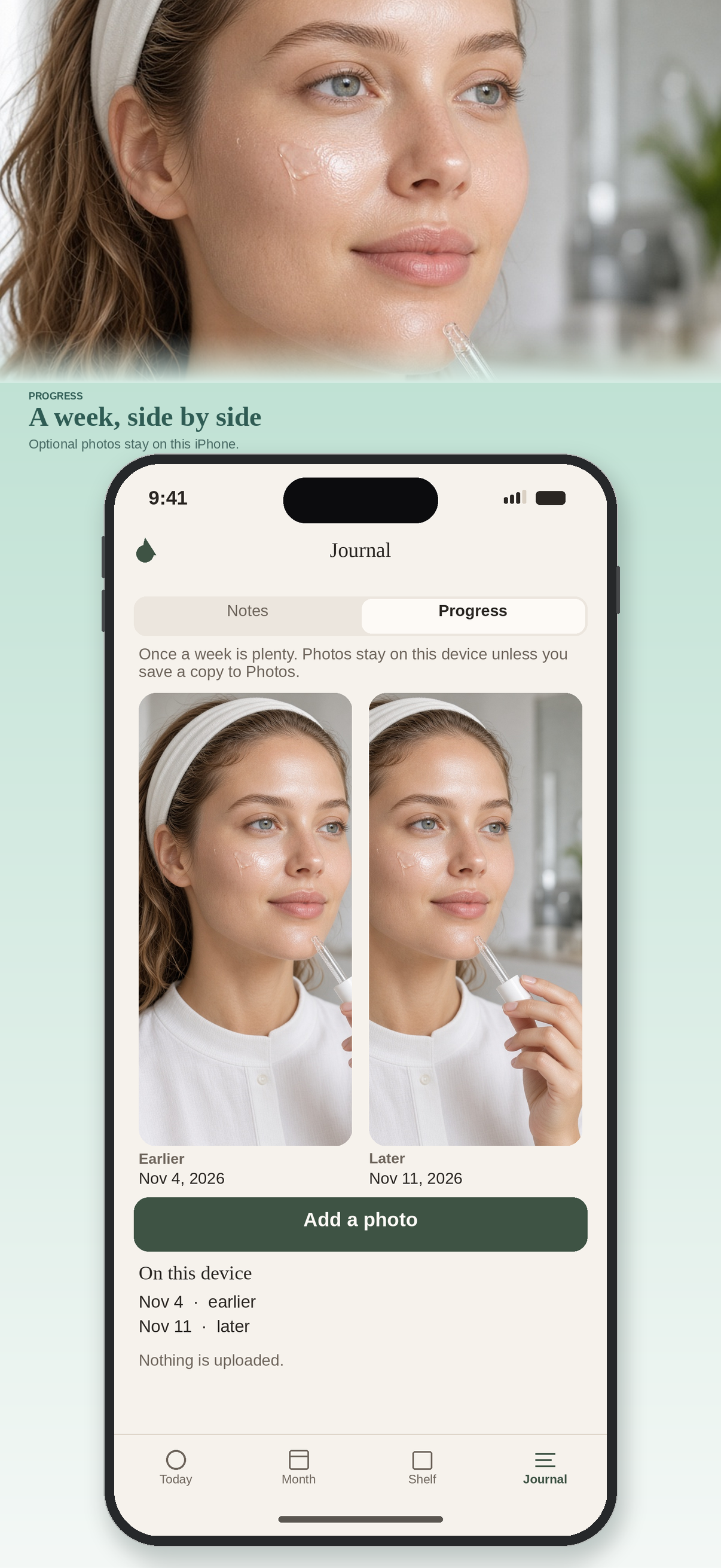
- Progress photos you add
- Whether reminders and haptics are on, and the times you pick
Deleting the app deletes that copy. Nimvelle has no server copy to restore.
Camera
The camera is optional. It is used only when you choose Take a photo for a progress picture. If you deny the camera, the rest of Nimvelle still works, and you can still choose a picture you already have. The photo is stored in the app and is not uploaded. A page you open may also ask to take a photo.
Microphone
Call a step uses the microphone for about a second. A quiet sound clears the last checked step in the morning or evening you are on, and a loud sound checks the next open step. The sound is measured on this device and is not saved or uploaded. You can deny the microphone. The rest of the routine still works. A page you open may also ask to record audio.
Photo library
Choosing a picture asks for photo library access. That picture is copied into the app and is not uploaded. Saving a copy back to Photos happens only when you tap Save a copy to Photos, and that asks for permission to add a picture. If you deny either permission, Nimvelle explains how to turn it on in Settings and keeps the copy it already has.
Notifications
Reminders are optional. If you turn one on, iOS asks whether Nimvelle may send notifications. The reminder is scheduled on the device. There is no remote push. If you deny notifications, the routine still works. You can change the permission later in Settings. iOS does not offer a custom usage sentence for that prompt; the system writes it.
Sample shelf
The first launch includes a sample routine, products, check-ins, and notes so the calendar is not empty. You can remove the sample in About. Your own additions are kept.
Children
Nimvelle is a general-audience app. It is not directed at children under 13, and it is not enrolled in Made for Kids. It does not knowingly collect personal information from anyone, because it does not collect personal information.
Changes
If this policy changes, the date above will change and the copy inside the app will be updated with the app.
Contact
Questions about privacy can be sent to support@nimvelle.com. There is no Nimvelle account to write to.
See also the terms of use and the support page.
The app